Toggle Nav
Toggle Nav


UK Sales & Customer Services: 0345 345 5645 sales@metamark.co.uk | International Enquiries - Click Here
Search results for: 'page tec print set'
-
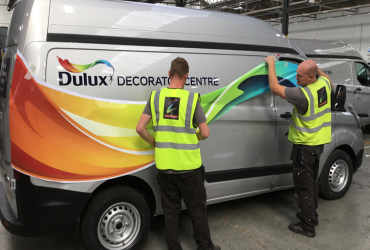 MetaWrap MD-XCylinder Cast Digital Wrapping Media with Blockout ‘MetaScape’ System
- Adhesive
- MetaScape® Solvent-based Adhesive
- Durability
- Up to 7 years
- Gauge
- 50 micron
-
 Metamark MD5A-BHigh Performance Digital Blockout Vinyl with 'MetaScape' System - MetaStream Ready™️
- Adhesive
- MetaScape® Solvent-based Adhesive
- Durability
- Up to 7 years
- Gauge
- 70 micron
Receive 10% off your first order
With code
METANEW0224